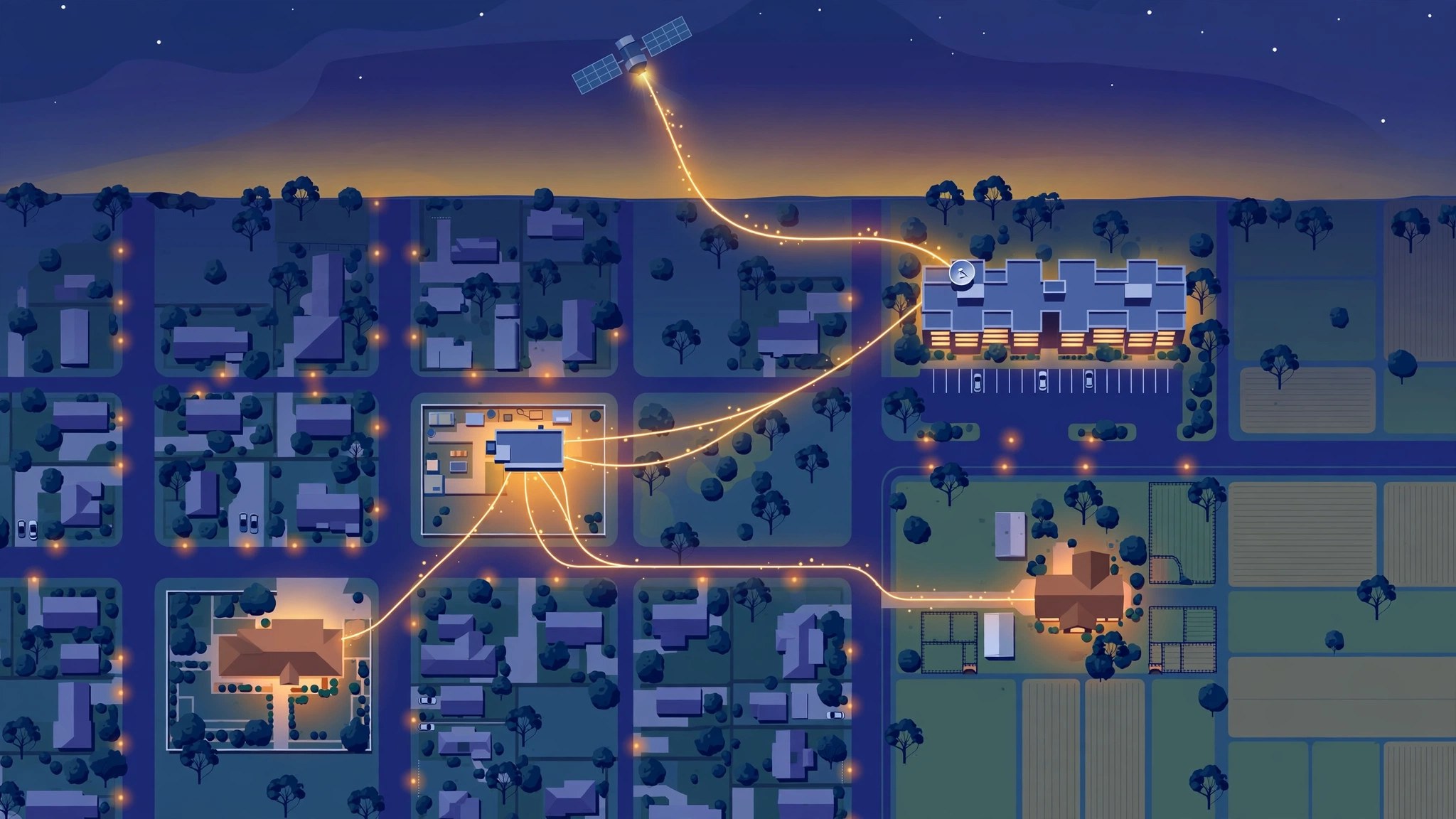
The NBN is one network sold by around 120 retailers, and the right choice depends on your address, your technology and what you actually do online. This guide routes every NBN question to a verified answer — speeds, providers, upgrades, alternatives and faults.
If you buy internet in Australia, you are almost certainly buying the NBN — a wholesale network built and run by NBN Co, and resold to you by a retail provider such as Aussie Broadband, Telstra, Optus, TPG or Superloop. That split is the single most important thing to understand about Australian broadband: your provider does not own the line into your home, it rents capacity on NBN Co’s network and wraps it in a plan, a price and a support desk. Change providers and you change the wrapping, not the wire. This guide explains how the pieces fit together, and points you to the detailed, checked answer for every question that follows.
How the NBN works in 60 seconds
NBN Co sells wholesale speed tiers to retailers, who package them into the plans you buy. Your address determines which connection technology you get: Fibre to the Premises (FTTP, full fibre to your home), Hybrid Fibre Coaxial (HFC, the old cable network), Fibre to the Node (FTTN), Fibre to the Curb (FTTC), Fibre to the Building (FTTB), Fixed Wireless (a tower radio link), or Sky Muster satellite. FTTP and HFC are the fast technologies; the others have lower ceilings and different upgrade paths. NBN Co’s address checker tells you which one serves your home — check it before you compare plans, because a plan you cannot receive is not a bargain at any price.
Two consequences follow. First, switching providers usually means changing the retailer on the same line, not a new installation — which is why a switch can complete with no downtime if it is sequenced correctly. Second, when something breaks, the fault can sit with your retailer, with NBN Co’s network, or inside your own home — and the fix depends on which one it is.
Start here: what is your question?
Which speed do I actually need? Start with NBN Speeds Explained. Most households do not need the fastest tier. Streaming, video calls and browsing run comfortably on modest speeds; the households that genuinely need 500 Mbps or more are the ones moving very large files, backing up terabytes to the cloud, or running many heavy users at once.
Which provider should I pick? Read Best NBN Providers in Australia for the whole market, and Telstra vs Optus vs TPG if you are choosing between the three big names. Price gaps between providers on the same tier are real, and the cheapest plan on your tier is usually the right default unless you need a specific feature.
Did the September 2025 upgrade reach me — and am I overpaying? In September 2025 NBN Co lifted its fastest wholesale tiers at no extra wholesale cost: 100 became 500, 250 became 750, and a new 2,000 Mbps tier launched — for FTTP and HFC connections only. If your bill still shows an old tier, or the tier the upgrade skipped, you may be paying more than a faster plan costs. Check the two trap articles: NBN 100/40 Trap (the tier the upgrade skipped entirely) and NBN 250: Is It Still Available? (the retired tier some providers still sell under a different name).
Can I get full fibre? Read NBN FTTP Upgrade: How to Get Fibre to Your Home. NBN Co’s Fibre Connect program offers a free upgrade to full fibre for eligible FTTC and FTTN premises. If you live in an apartment block or rent, the process is different — see NBN FTTP Upgrade for Apartments and Renters, which covers the strata path, the per-apartment fee and what renters can and cannot order.
I rent — what can I get without landlord permission? See NBN for Renters. Renters can sign up for NBN and 5G plans without a landlord’s permission in most cases; the fibre upgrade itself is a building decision, not a tenant one.
My internet is slow — is it the NBN or my home? Work through How to Speed Up Your NBN before you call anyone. The most common bottleneck is inside the home: an old router, a weak Wi-Fi signal, or a 100 Mbps Ethernet port silently capping a 500 Mbps plan.
Should I get 5G home internet instead of NBN? See 5G vs NBN for the head-to-head, 5G Home Internet Upload Speeds Compared if you work from home or stream (upload is where 5G usually loses), and 5G Home Internet and CGNAT if you host anything, game on a server, or need remote access — most 5G providers use CGNAT, which blocks port forwarding.
I am on Fixed Wireless — what speeds should I expect? Read NBN Fixed Wireless Explained. Fixed Wireless has its own tiers and its own evening-speed behaviour, driven by tower congestion rather than your plan.
I need internet beyond the NBN footprint — satellite? Start with Starlink in Australia for the residential service. If you are weighing Telstra’s resold Starlink against buying direct, read Telstra Starlink vs Direct Starlink. Businesses should read Starlink Business Australia — Starlink’s business pricing is a separate tiered product with priority data and a public IP, not a single “Business” price. And if you are on Sky Muster and wondering whether to wait, read Amazon Leo / NBN Leo in Australia — NBN Co’s own low-earth-orbit satellite service is confirmed for around mid-2027 with free equipment and installation for eligible Sky Muster customers.
How do I know which broadband numbers to trust? Read ACCC’s Final Broadband Report, which unpacks the ACCC’s Measuring Broadband Australia program — the only independent household measurement in the country — including why its provider table is statistically meaningless, why satellite figures are not directly comparable to fixed-line ones, and what replaces the program now that it has ended.
The September 2025 change, in brief
On 14 September 2025, NBN Co delivered the biggest speed change in the network’s history. The 100 Mbps tier became 500, the 250 tier became 750, and a new 2,000 Mbps tier launched — at no extra wholesale cost, for FTTP and HFC connections. Retailers applied the new speeds on their own timetables, which is why some customers saw them in September and others waited weeks.
Three groups missed out. FTTN, FTTC and FTTB customers saw no change — their path to faster speeds is a fibre upgrade, not a plan change. Fixed Wireless and satellite customers were on separate wholesale products, untouched by this change. And 100/40 customers were skipped by a quirk of wholesale product naming: the upgrade applied to the 100/20 product, not the 100/40 product, even though both show “100” on the bill. If your bill says 100/40, read the trap article above — it is the single most expensive billing mistake in the current NBN market.
Check your bill in three minutes
Do this before you compare plans, because the cheapest fix is often the one you already have:
- Find the tier on your bill. Look for two numbers separated by a slash: download/upload. “500/50” on FTTP or HFC means you were upgraded. “100/40” means you are in the skipped tier. “250/25” means your provider has not migrated you; the replacement is 750/50.
- Run a wired speed test. Plug a laptop into your router with an Ethernet cable and test during the evening busy period (7–11 pm). A result stuck near 95 Mbps on a 500 Mbps plan almost always means your router is the bottleneck, not the network.
- Compare your price to the current market. The upgrade came at no extra wholesale cost, so your bill should not have risen because of it. If you are paying more than the going rate for your tier, you are overpaying — and if you are on a fast tier you do not use, dropping down saves less than most people assume. At Superloop (checked 14 October 2026), moving from the 500 Mbps plan ($95 a month) to 50 Mbps ($89) saves just $6 a month, and to 25 Mbps ($78) saves $17. The big savings only appear when you drop from 1000 Mbps or above, or switch providers — so check your own provider’s prices before assuming a downgrade saves money.
What this means for you
- The NBN is one wholesale network sold by around 120 retailers (NBN Co). Compare the retailer, not the network.
- Your address’s technology decides your ceiling. Check it before you compare plans.
- The September 2025 upgrade made 500 Mbps the default fast tier for FTTP and HFC — check your bill to confirm you actually received it.
- Most households do not need the fastest tier. Buy the speed your household uses, not the speed the advertising leads with.
- When something breaks, diagnose first: your home, your provider, or the network — the fix depends on which one it is.
Sources
- ACCC — Measuring Broadband Australia program
- GadgetGuy — NBN Co lowers the full fibre upgrade barrier

Shoaib Hassan
Shoaib Hassan is the founder and editor of AuTechWire, an independent technology publication covering broadband, mobile networks, privacy, startups, and consumer tech.
Related Stories

NVIDIA RTX Spark Laptops Explained: Should You Buy One?
NVIDIA's new laptops put up to 128GB of unified memory in a Windows machine built to run AI…

H-1B Salary Threshold 2026 Bill: What the $140,000 Proposal Does
A bill now in both chambers of Congress would lift the H-1B salary exemption from $60,000 — frozen…

VPN Statistics 2026: 50+ Usage Facts, Market Data & Trends
How many people actually use a VPN, why they use one, how big the industry is — and…