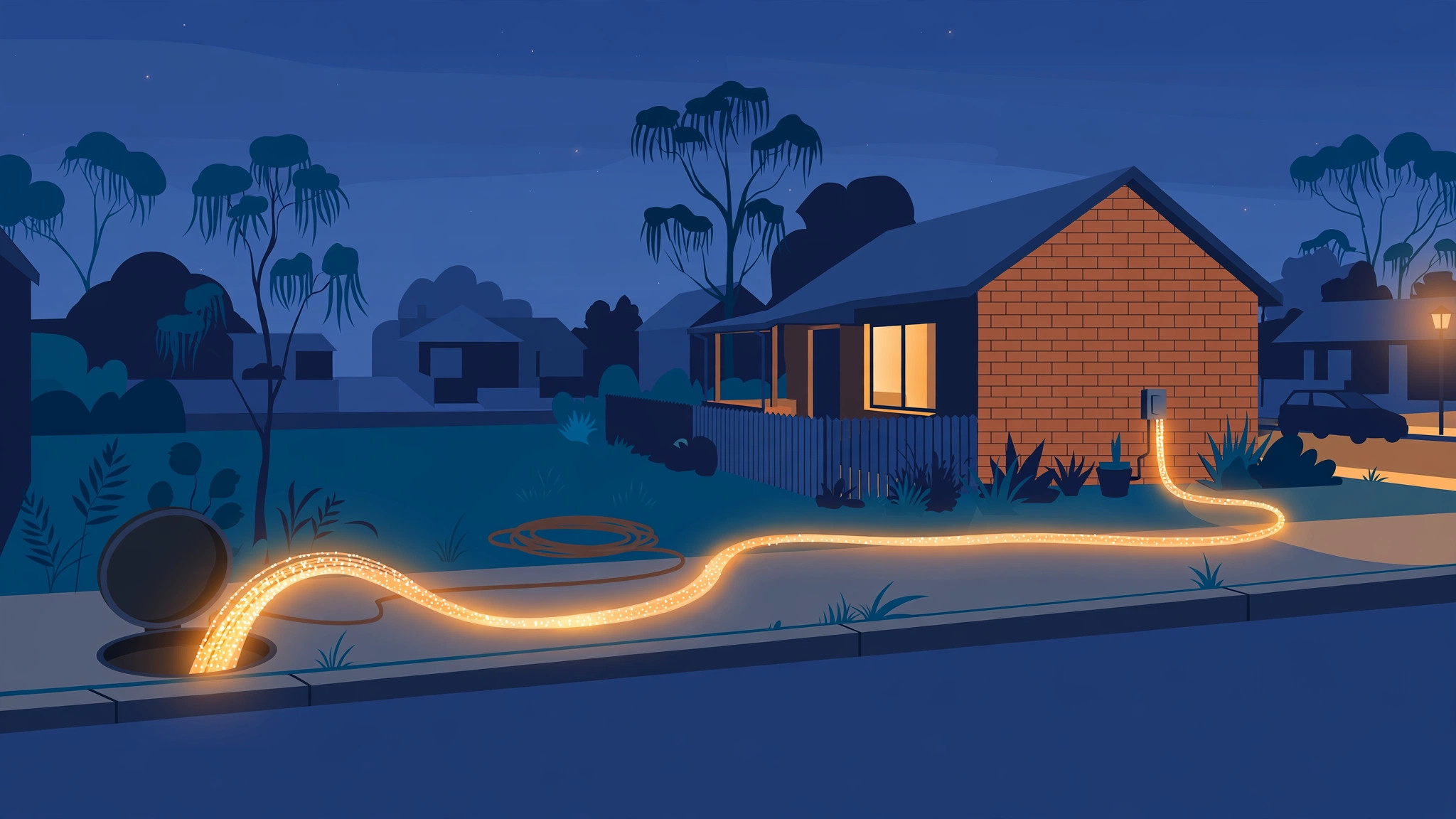
More than a million Australian homes have already swapped copper for full fibre — and the rules just got easier. Here is who can get a free NBN FTTP upgrade in 2026, what it costs, and what actually happens on install day.
The copper era is ending — and the upgrade is free
If your home still connects to the NBN over ageing copper wiring, you are now in the minority. For the first time in the network’s history, there are more Australian homes and businesses on full fibre connections than on legacy copper-based services, and NBN Co says around 47,000 premises a month have been upgrading since October 2025.
The reason is simple: full fibre — Fibre to the Premises, or FTTP — runs a fibre-optic line all the way into your home, with no copper in the path at all. That means faster speeds, a more stable connection, and far less sensitivity to weather and line faults than the older Fibre to the Node (FTTN) and Fibre to the Curb (FTTC) technologies, which still rely on copper for the final stretch to your door.
Best of all, the upgrade itself is free. NBN Co funds the fibre build to your home. What you need to know is which pathway applies to your address, whether your plan needs to change, and what to expect when the technician arrives.
What FTTP actually gives you
On FTTN, fibre runs to a cabinet in your street and copper phone line carries the signal the rest of the way. The longer that copper run, the slower and less reliable your connection. On FTTC, the fibre gets closer — to a pit near your curb — but copper still covers the last leg.
FTTP removes copper entirely. The result is a connection that can deliver the fastest residential speeds NBN Co sells — up to close to 1 Gbps on its top wholesale tier — with lower latency and far more headroom for households running many devices at once. It is also far more resilient in storms, floods and fires, because fibre does not conduct electricity and does not degrade the way copper does in wet conditions.
That said, fibre is not magic. Your real-world speed still depends on the plan you buy, your router, and whether your devices connect over Wi-Fi or Ethernet. Upgrading the line without upgrading an old router is the most common reason people see little improvement — a point worth remembering before you book.
Are you eligible for an upgrade?
Eligibility depends on the technology currently serving your address:
- FTTN (Fibre to the Node): Eligible in most areas where fibre has been rolled out to your street. You order the upgrade through your internet provider.
- FTTC (Fibre to the Curb): Eligible across the 860,000-premises FTTC footprint. Since 1 July 2026, you no longer need to order a high-speed plan to qualify.
- FTTB (Fibre to the Basement): Typically apartments and office buildings. Individual upgrades are not offered the same way; buildings are handled through NBN Co’s program for multi-dwelling properties, which requires the body corporate or building owner to register interest.
- HFC (Hybrid Fibre Coaxial): Not part of the fibre upgrade program — HFC already uses fibre to near your home and has received its own speed upgrades.
- Already on FTTP: You are done. Your only decision is which speed tier to buy.
The fastest way to check is NBN Co’s address checker on the nbn website. Enter your address and it will tell you your current technology and whether an FTTP upgrade is available. Your provider can also confirm it, since they hold your address record.
Two ways to get upgraded
There are now two pathways to full fibre, and which one applies depends on where you live.
1. Fibre Connect — the voluntary, on-demand path
Fibre Connect is the main program and the one most households will use. You request the upgrade through your internet provider, NBN Co schedules the build, and a technician installs the fibre to your home. More than one million upgrades have already been delivered this way.
For FTTC premises, the rules changed on 1 July 2026: you can now request the upgrade on whatever speed plan suits you. Previously you had to order a plan of at least 100/40 Mbps to qualify. That barrier is gone.
For FTTN premises, most providers still require you to order a higher-speed plan to trigger the upgrade — typically a 500 Mbps plan — and some apply a minimum term (commonly 12 months) with an early-exit fee if you downgrade sooner. Terms vary by provider, so check before you sign. If you only need a basic plan, the FTTC-style rule relaxation has not yet been extended to FTTN, though NBN Co has signalled a long-term path for the remaining FTTN footprint by the end of 2030.
2. Targeted Upgrade — the managed path (from 2027)
Announced in April 2026, the Targeted Upgrade program is NBN Co’s managed transition for a smaller group of premises in areas where fibre is already available. It targets underperforming copper lines and areas where retiring an underused node simplifies the network.
The key differences: you do not need to order a high-speed plan, and the upgrade is not optional. NBN Co aims to notify around 130,000 homes and businesses in the program’s first year, with the first notifications going out from July 2027. If you are selected, you will have a set window to place your upgrade order. The first suspensions of legacy copper services for premises that have not placed an order are not expected until January 2028, and NBN Co says safeguards will include multiple notifications, the option to extend or defer, and case-managed support for customers who need extra help.
If you receive a Targeted Upgrade notification, treat it as a deadline, not marketing. Your copper service will eventually be switched off.
What does the upgrade cost?
The fibre build itself — the cable to your home, the outdoor box, and the indoor connection box — is free under both programs. You do not pay NBN Co for the installation.
What you do pay for is your internet plan, as usual. If your provider requires a higher-speed plan to trigger a voluntary FTTN upgrade, that plan will cost more per month than a basic tier. Some providers also charge for a compatible modem if yours cannot handle the faster speeds, and some apply early-exit fees if you drop below the minimum tier within the contract term. Ask your provider for the full picture — plan price, modem, contract term, and any downgrade fee — before you commit.
For renters, the infrastructure upgrade is handled between NBN Co, your provider and the property. You can request an upgrade, but speak with your provider about the process for your tenancy, and be aware that some landlords or property managers want to be told before installation work begins.
What happens on install day
Once your order is accepted, your provider books an installation appointment — typically within two to four weeks. On the day:
- The technician runs fibre to your home. A thin fibre-optic cable is run from the street pit or pole to your house along the existing telecommunications pathway.
- An outdoor box goes on an external wall. NBN Co installs a small weatherproof utility box (on newer installs, this may be a premises attachment point instead) where the fibre enters your property.
- An indoor connection box is installed. The NBN connection box goes inside your home, near a power point — often in a garage, study or living area. This is the box your router plugs into.
- Your service is cut over. Once the fibre is live, your provider moves your service onto the new connection.
The on-site work typically takes two to four hours, and you will need to be home. One thing to plan for: the indoor connection box needs mains power. Unlike old copper phone lines, FTTP stops working in a power outage unless you have an independent battery backup. If you rely on a landline phone service or a medical alarm, talk to your provider about backup options before the switch.
The Australian context: why this is happening now
The fibre upgrade is the largest single program in the NBN’s history. It began as an on-demand scheme for homes willing to pay for faster plans, but it has steadily widened: the Federal Government committed $2.4 billion to extend the upgrade to a further 1.5 million FTTN premises, and NBN Co has mapped an upgrade path for the remaining FTTN footprint by the end of 2030, which would give more than 94 per cent of FTTN customers the option of full fibre.
The economics point the same way. Maintaining two parallel networks — fibre and ageing copper — is expensive, and copper fault rates are higher, particularly on the FTTC network. Every home that moves to fibre removes a copper line NBN Co no longer has to maintain, and gives the household a connection that should not need another major upgrade for decades.
For households, the practical question is no longer whether fibre is better — it is — but whether your address is ready and which pathway gets you there with the least fuss. If you are on FTTC, the answer since 1 July 2026 is straightforward: ask your provider for the upgrade on your current plan. If you are on FTTN, weigh the cost of a higher-speed plan against the benefit, or wait to see whether your address is picked up by the Targeted Upgrade program. Either way, the copper network is on a path to retirement, and the sooner you plan the move, the more control you keep over the timing.
What this means for you
- Check your address first. NBN Co’s address checker tells you your current technology and whether FTTP is available. Do this before calling your provider.
- FTTC homes: the barrier is gone. Since 1 July 2026, you can upgrade to full fibre on any speed plan — no high-speed plan required.
- FTTN homes: expect a plan condition. Most providers still require a higher-speed plan (typically 500 Mbps) to trigger a voluntary upgrade, sometimes with a 12-month term. Confirm the terms before ordering.
- Watch for a Targeted Upgrade letter from July 2027. If your address is selected, the upgrade becomes mandatory on a set timetable, with copper disconnection as the last resort.
- Prepare for install day. You will need to be home, the indoor connection box needs a power point, and your old modem may need replacing. Ask your provider about modem compatibility and battery backup if you depend on a landline.